Hello, I found that when I input English quotation marks, they still appear as Chinese quotation marks. Pressing backspace to delete them will turn them into Chinese quotation marks. I would like to know how to handle this, thank you very much~ 
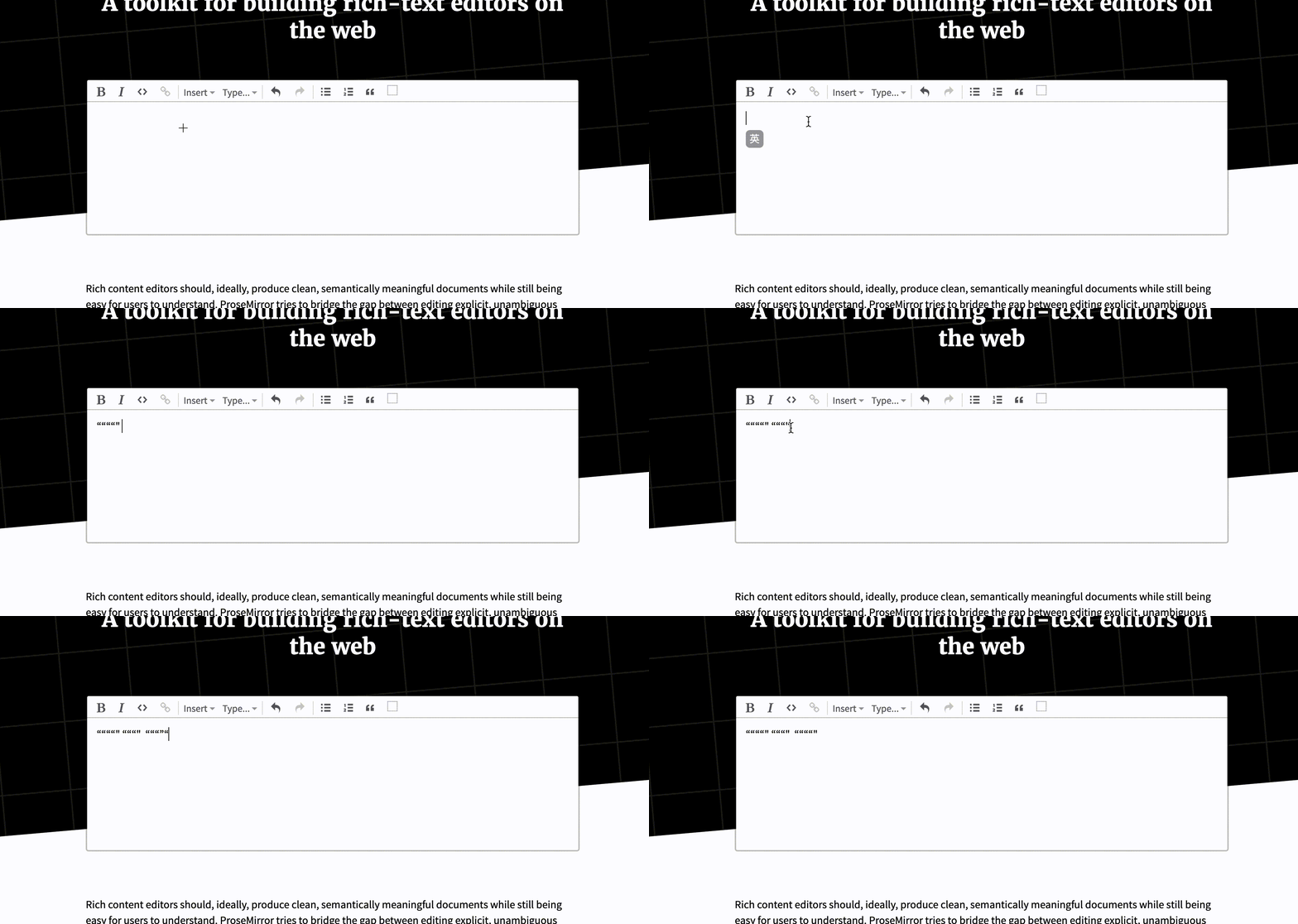
Hello, I found that when I input English quotation marks, they still appear as Chinese quotation marks. Pressing backspace to delete them will turn them into Chinese quotation marks. I would like to know how to handle this, thank you very much~
Does this behavior also occur with a raw contenteditable element? If not, could you tell us which platform, which browser, and which Chinese keyboard setup you’re using?
My computer is a MacBook, and the browser is Chrome. I’ve tried different keyboards, whether it’s a third-party keyboard like WeChat Input Method or the built-in MacBook input method, but I can’t type English quotation marks correctly. I also tried setting contenteditable to true in a div, and this issue didn’t occur. I found in all the examples of Prosemirror that some examples don’t have this problem, such as ProseMirror menu example or ProseMirror schema example , etc. Thank you for your response!
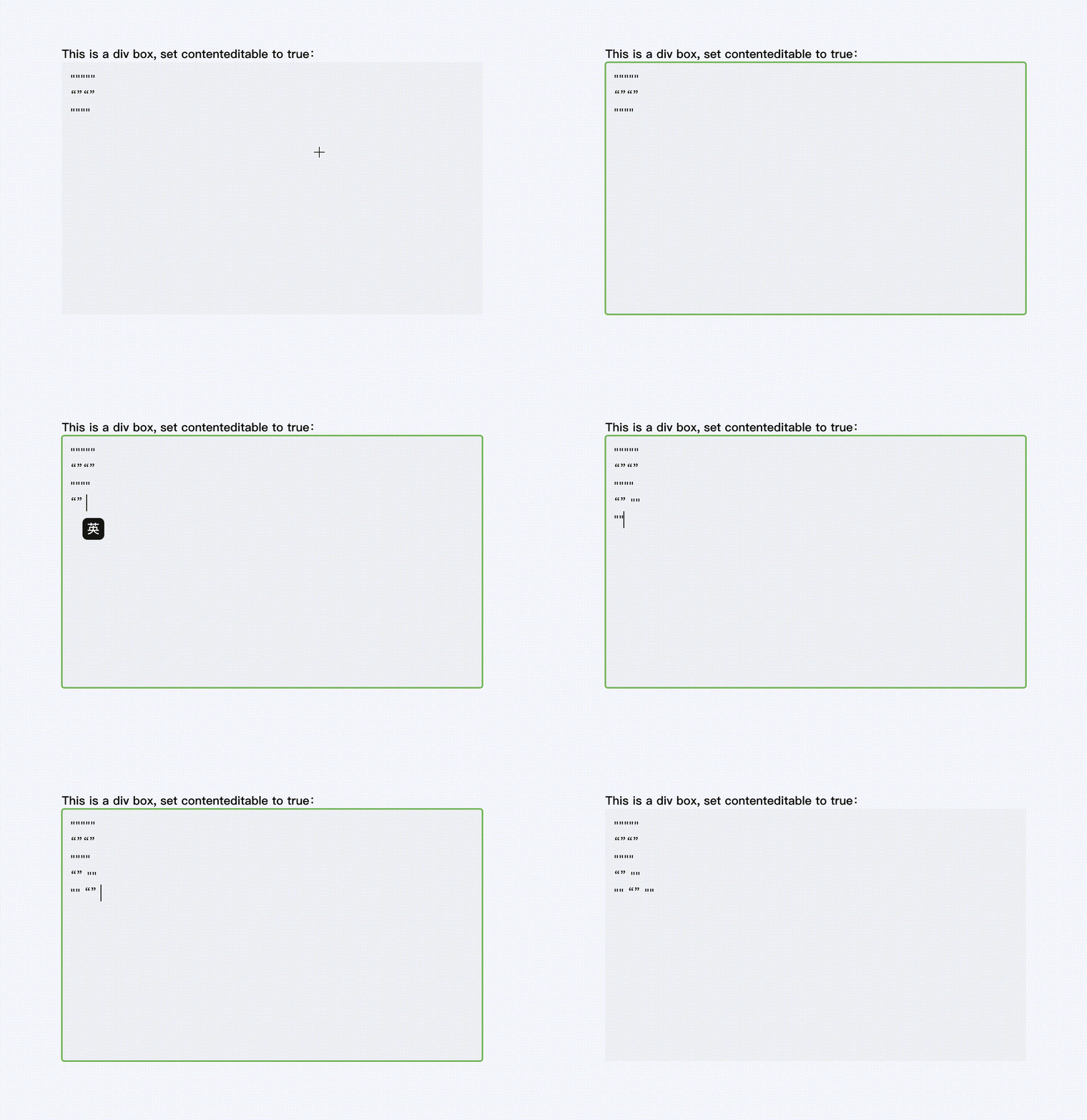
Sorry,I didn’t describe it very clearly at first. When entering English quotation marks, you’ll find that Chinese quotation marks are typed instead, and only by pressing backspace to delete them can they become English quotation marks~
I see. Looks like what you’re calling Chinese quotation marks are regular unicode quotes (“Left/Right Double Quotation Mark”), and the thing you’re seeing is simply ProseMirror’s smart quotes input rule.
I understand and have identified the problem. exampleSetup is causing all of this to happen. I have currently commented it out and customized the shortcuts used, thereby solving the issue. Thank you for your explanation!